
Running ChatGPT on a TI Nspire is akin to turning a graphing calculator into a display terminal for a remote language model. The calculator itself does not process any artificial intelligence requests: it delegates all the work to an external microcontroller connected via Wi-Fi to the OpenAI API. Understanding this architecture changes the approach to the project, the hardware to gather, and the limitations to anticipate.
Actual Role of the TI Nspire Compared to the ESP32
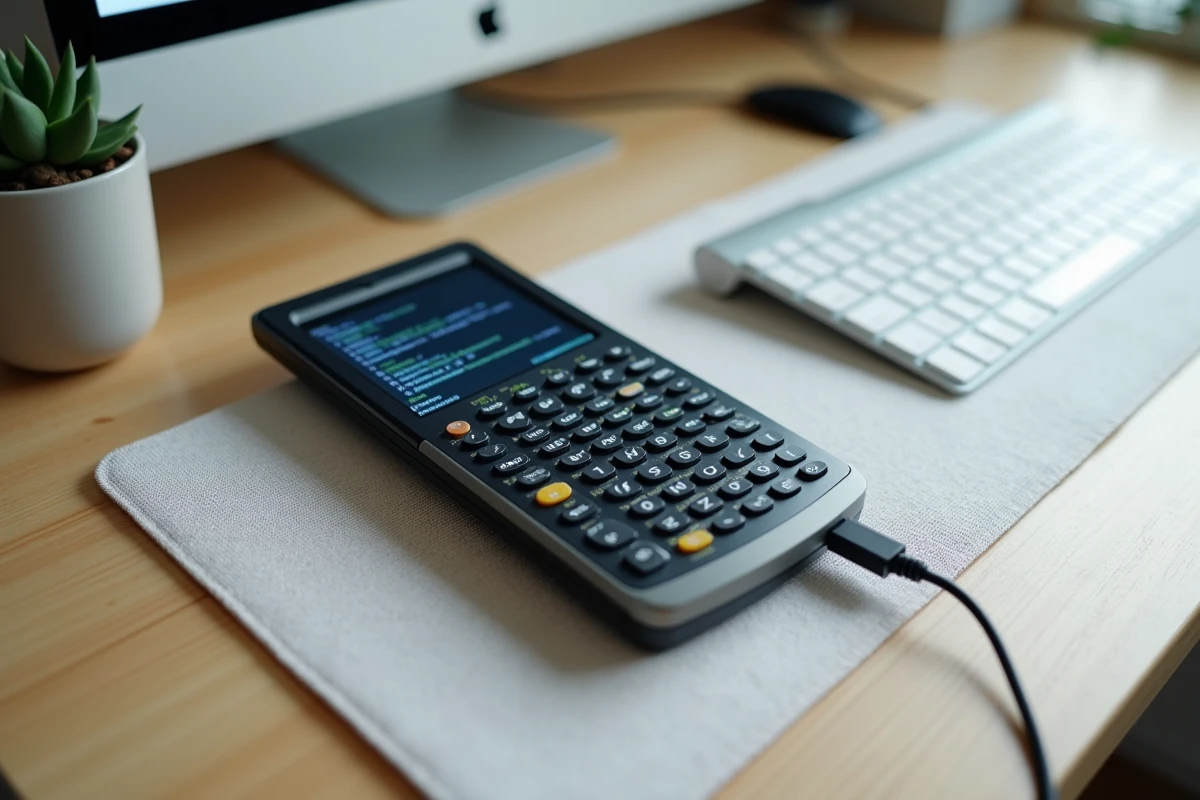
The technical point that most video tutorials gloss over deserves to be stated clearly. The TI Nspire only displays text received via its serial connection. Natural language processing, network calls, and API key management are entirely handled by the ESP32 module (often an ESP32-C3 or ESP32-S3).
This division of labor has a direct consequence: without an active Internet connection on the ESP32, the calculator returns nothing. It is not an embedded program that works offline.
| Component | Function | Network Dependency |
|---|---|---|
| TI Nspire CX / CX II | Interface display, keyboard input | None |
| ESP32-C3 or ESP32-S3 | Wi-Fi connection, OpenAI API calls, response formatting | Permanent |
| OpenAI API (personal key) | Generation of ChatGPT responses | Remote servers |
This table summarizes why talking about “installing ChatGPT on a calculator” is a shortcut. One installs firmware on an external module, then connects this module to the calculator.
Those who wish to install ChatGPT on a TI Nspire calculator will find useful additional information on the detailed software steps of the process.
Hardware and Firmware: What to Gather Before Starting
The open-source Ti-GPT project hosted on GitHub documents three generations of setups, with very different levels of difficulty. The most accessible version today relies on an external adapter (no internal soldering to the calculator).
Here are the items to gather before touching any cables:
- An ESP32-C3 or ESP32-S3 module, flashable via USB from a computer. The firmware must be downloaded from the official project repository.
- A serial cable compatible with the dock port of the TI Nspire CX or CX II. Some setups use a dedicated PCB that fits directly.
- A valid OpenAI API key, to be entered in the code before flashing the firmware. Without it, the ESP32 cannot query any model.
- A Wi-Fi access point whose credentials (SSID and password) are also included in the firmware.
The firmware flashing on the ESP32 is done from a PC via a compatible development environment (Arduino IDE or PlatformIO). The procedure takes a few minutes once the environment is configured, but the initial setup of the environment may take longer than the flashing itself.
Why the Internal Version is Not Recommended for Beginners
The first version of the project (V1) involved opening the calculator and directly soldering the ESP32 to the motherboard. The GitHub repository classifies it as “Advanced soldering” and explicitly advises against it. A bad connection can render the calculator unusable.
The external version (V2 and V3) eliminates this risk. The module connects to the dock without any physical modification of the TI Nspire. This approach should be favored.
Daily Operation and API Connection Limits
Once the setup is complete, the usage resembles a rudimentary text messaging system. You type a question on the TI Nspire keyboard, the ESP32 sends it to the OpenAI API, and the response is displayed line by line on the calculator’s screen.
Each request consumes tokens billed by OpenAI. The cost depends on the model selected in the firmware. The latest models are also the most expensive per request. For occasional school use, the bill remains modest. For hundreds of requests per day, it quickly adds up.
The TI Nspire’s monochrome and limited-resolution screen imposes strict formatting on responses. Long mathematical demonstrations or blocks of code are truncated or difficult to read. The ESP32 module performs formatting work before sending the text, but the results can sometimes be approximate on complex formulas.

Prohibition During Exams: What Texas Instruments Says
Texas Instruments specifies in its exam guides that activating communication functions (USB, Wi-Fi, Bluetooth, or external devices) can render the calculator prohibited during monitored tests, even if the model is on the list of allowed calculators.
Connecting an ESP32 to the TI Nspire dock precisely activates this type of communication. In France, the exam mode of calculators blocks access to uncertified programs. An external module connected via Wi-Fi thus falls outside the regulatory framework.
- The exam mode of the TI Nspire disables external connections and added programs.
- An invigilator can visually check for the presence of a module plugged into the dock.
- Using ChatGPT during an exam constitutes cheating, regardless of the technical method employed.
This project is a technical experiment, not an exam tool. Its interest lies in learning about embedded programming, serial protocol, and API integration on constrained hardware.
Mounting an ESP32 on a TI Nspire to query ChatGPT remains a tinkerer’s project, accessible with a minimum of knowledge in electronics and software configuration. The calculator gains a conversation terminal, not local intelligence. The dependency on Wi-Fi and a valid API key makes it a fragile device, more suited for a discovery workshop than for reliable daily use.